By AURVO ·
How to Choose a Dash Cam: What Actually Matters
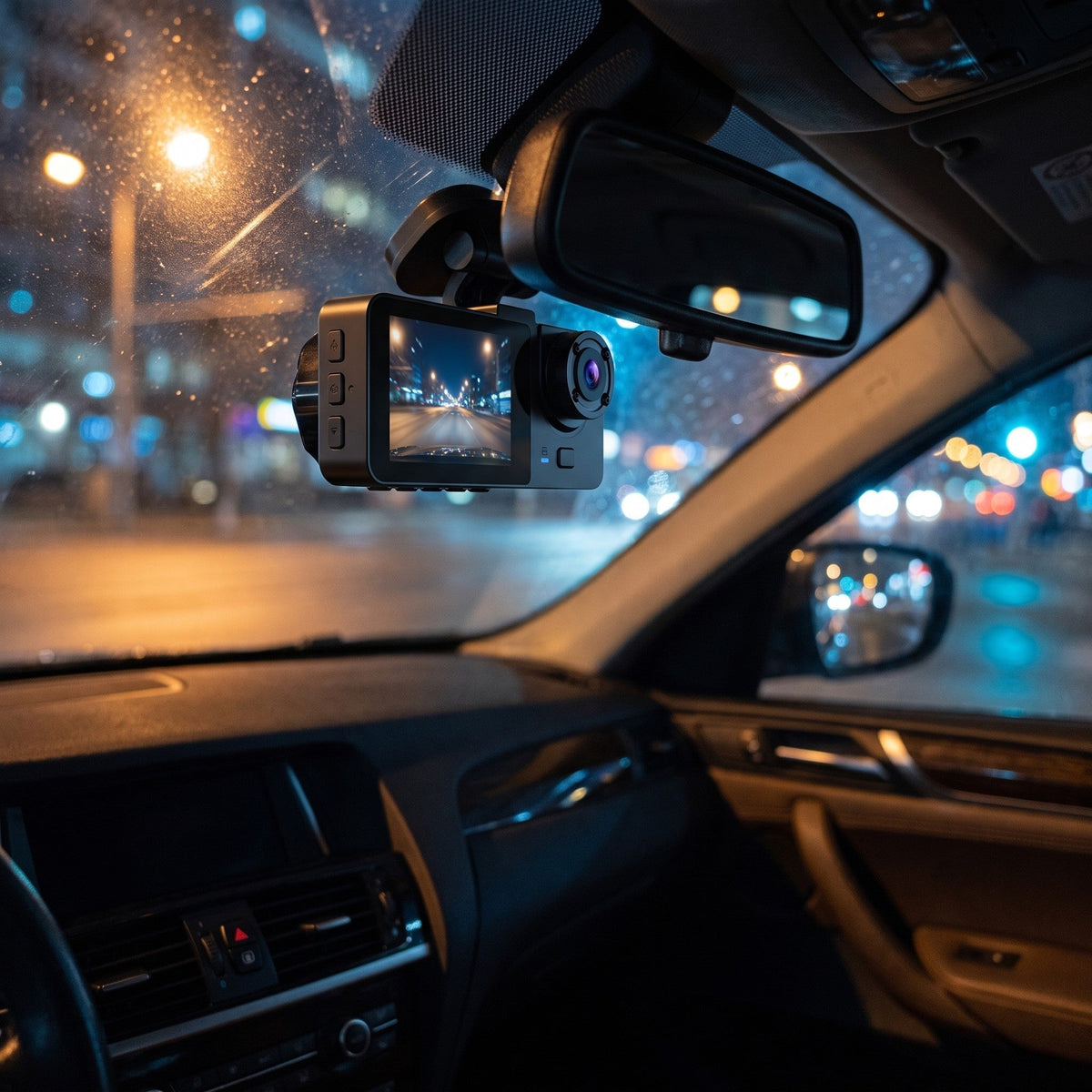
A dash cam doesn’t prevent anything. It’s a witness that never gets flustered and doesn’t care whose fault it was. Here’s what decides whether yours is any use on the day you need it, and what’s mostly box copy.
The short version
- Decide what you need on camera first: the road, or the road, the cabin and the rear.
- Check the resolution of every camera, not just the front.
- The memory card matters more than most specs. Use a high-endurance card and format it every few weeks.
- Read the operating temperature. A parked car gets far hotter than the weather.
- Mount it high, behind the mirror, and check your state’s windshield rules.
- If it records audio and you carry passengers, tell them.
1. Decide what you need on camera
Dash cams come in three common layouts.
- Front only. Records the road ahead. Enough for most commuters, whose main question after a crash is who ran the light.
- Front and rear. Adds a camera at the back. If someone hits you from behind, a front camera only shows your car lurching forward. The rear camera shows who did it.
- Front, cabin and rear. Adds a camera that faces into the car. That’s the one for rideshare and delivery drivers, parents of new drivers, and anyone who wants a record of what happened inside the car as well as outside it.
The cabin camera is the one people underrate. The front camera shows what happened on the road. The cabin camera shows what the driver was doing when it happened: hands on the wheel and eyes on the road, ideally. If you’re the parent of a 17-year-old, possibly not, and now you’ll know.

2. Resolution: what the numbers actually buy
Resolution is the headline on every box. It matters, just less than the box suggests.
- 1080p (1920×1080) is the practical baseline for a front camera. Higher resolutions can pick out more detail at a distance, at the cost of bigger files that fill the card faster.
- Wider isn’t free. A wide lens, like 170°, catches the car pulling out from the side. It also makes everything in the distance smaller.
- Don’t count on reading every plate. Distance, speed, glare, rain and headlights at night all work against any camera. A readable plate is a bonus, not a promise.
- Check each camera separately. Multi-camera units often record the cabin and rear at lower resolutions than the front, so “1080p” on the box may only describe one of the cameras.
3. The memory card is the part most likely to let you down
Most dash cams record in a loop: they fill the card, then overwrite the oldest footage, over and over, for months. That’s why you never have to touch them. It also means the card does far more writing than the one in a regular camera, and when a dash cam quietly stops saving footage, the card is a common culprit.
- Buy a high-endurance microSD card from a brand you recognize. High-endurance cards are built for constant rewriting. Cheap no-name cards are a gamble here.
- Respect the camera’s limit. If it takes cards up to 32 GB, a bigger one won’t buy you anything and may not work at all.
- Format the card in the camera every few weeks, and more often if you drive for a living. It clears out the clutter that leads to errors and gaps.
- Clear out saved clips. Clips you lock or save aren’t overwritten, so they pile up and leave less room for the loop.
- Replace the card every year or two. Cards wear out from constant writing, and they don’t always announce it.
- Spot-check it. Pull up a clip once a month. Better to find out it stopped recording in March than after a crash in June.
4. Heat: the spec nobody reads
Every dash cam lists an operating temperature range. Read it, because a parked car gets much hotter than the weather.
In an Arizona State University study published in the journal Temperature, researchers parked cars outside on summer days in Tempe, Arizona, with temperatures in the 100s. After an hour in the sun, cabin air averaged 116°F and dashboards averaged 157°F. In the shade, dashboards still averaged 118°F.
A camera on the windshield sits right behind that sun-baked glass. Sentinel, for example, is rated to operate from −20 to 70°C, which is −4 to 158°F. So in a hot climate, park in the shade when you can, use a sunshade, and on the worst days take the camera inside with you.
Heat is also hard on adhesive mounts. Clean the glass with rubbing alcohol first, press the mount on firmly, and give it a day to set before it bakes.
5. Where to mount it, and what the law says
For most cars, the best spot is high and centered: tucked behind the rearview mirror, where the camera sees the whole road and you barely see the camera. Run the power cable along the edge of the headliner and down the door seal instead of across the dash, and keep it clear of any trim marked SRS or AIRBAG.
Windshield rules vary by state, so check yours. Two examples:
- California generally bans anything on the windshield, with exceptions. One covers “video event recorders,” which the law defines narrowly (loop recorders that save clips when triggered by a crash or unusual motion). Those may go in only three spots, shown below. The same section requires a notice, posted where passengers can see it, saying their conversation may be recorded.
- Pennsylvania, where we ship from, bans driving with anything hung, placed or attached in a way that would “materially obstruct, obscure or impair the driver’s vision through the front windshield” (75 Pa.C.S. §4524(c)).
- ATop center of the windshield: a 5-inch square. Tucked behind the mirror is here.
- BLower corner nearest the driver: a 5-inch square, outside the airbag deployment zone.
- CLower corner farthest from the driver: a 7-inch square.
A small camera tucked behind the mirror fits the idea behind both rules: it stays out of your line of sight. This isn’t legal advice. Rules change, other states have their own, and five minutes with your state’s vehicle code is worth it.
6. Audio, passengers and consent
Video of a public road is one thing. Recording what people say inside your car is another, and that falls under wiretap and eavesdropping laws.
- According to the Reporters Committee for Freedom of the Press, about 11 states primarily require the consent of everyone in a conversation to record it: California, Delaware, Florida, Illinois, Maryland, Massachusetts, Michigan (in some cases), Montana, New Hampshire, Pennsylvania and Washington. A handful of others require everyone’s consent in narrower situations.
- The same guide notes that if your camera doesn’t record audio, wiretap laws generally don’t apply.
- It also says that when people are told they’re being recorded and keep talking, their consent is generally presumed.
The practical version: if your camera has a microphone, find out how to switch it off. If you carry passengers, tell them the camera is on. A small notice on the window does the job and saves an awkward conversation later.
Driving for Uber? Uber’s help center says drivers may choose to install and use a dashcam, that some places require riders to consent to being recorded, and that drivers should check their local laws. You can register a dashcam in the driver app (Account, then App settings, then Video recording, then Dashcam registration), and posting a rider’s image or recording on social media breaks Uber’s Community Guidelines.
7. A two-minute checklist
- Which views do you need: front, front and rear, or front, cabin and rear?
- What’s the resolution of each camera, not just the front?
- Is a memory card included, and what’s the largest it takes?
- What’s the operating temperature range?
- How does it mount, and what does installing the rear camera involve?
- How do clips get off it: Wi-Fi to your phone, or pulling the card?
- If it has a microphone, can you switch it off?
Where Sentinel fits
We sell one dash cam, the Sentinel. It’s a three-channel unit, and these are its specs from the manufacturer’s documentation.
| Cameras | 3: front, cabin, rear |
|---|---|
| Front | 1080p (1920×1080), 170° |
| Cabin | 640×480, 120° |
| Rear | 130°. The manufacturer’s documentation doesn’t give a resolution, so we don’t either. |
| Screen | 2.0-inch IPS |
| Recording | Loop recording |
| Connectivity | Built-in Wi-Fi |
| Card | microSD (TF), up to 32 GB, not included |
| Power | 12–24 V vehicle power |
| Operating temp | −20 to 70°C (−4 to 158°F) |
And the straight answers. The front camera is 1080p, not 4K. The cabin camera is 640×480, a much lower resolution than the front: it’s there to show the cabin, not fine detail. The rear camera is a separate unit on its own cable, so plan on routing that cable to the back of the car; set aside a couple of hours, or have an installer do it. And bring your own high-endurance card, 32 GB max.

From AURVO
Sentinel 3-Channel Dash Cam
Road, cabin and rear on one recorder. 1080p front camera, 2.0-inch screen, built-in Wi-Fi, loop recording.
Shopping for someone else? Our practical gift guide covers who a dash cam suits, and who should skip it.
Sources
- Arizona State University News, “Study: Hot cars can hit deadly temperatures in as little as one hour,” May 2018. news.asu.edu. The study: Vanos et al., Temperature, 2018, doi.org/10.1080/23328940.2018.1468205.
- California Vehicle Code §26708, as amended effective January 1, 2026. law.justia.com
- Pennsylvania Consolidated Statutes, Title 75, §4524. legis.state.pa.us
- Reporters Committee for Freedom of the Press, “Introduction to the Reporter’s Recording Guide.” rcfp.org
- Uber Help, “Using dashcam,” help.uber.com; and Uber, “Recording for added peace of mind,” uber.com.
- Sentinel specifications: the manufacturer’s documentation, as listed on the product page.
General information, not legal advice. The night scene at the top of this page is an AI-rendered image of Sentinel.
More guides
- How to Use a Mini Massage Gun: Simple Steps for Beginners
- How to Use a Water Flosser: A Simple Start for Beginners
- What Is a Magnetic Battery Pack? Will It Work With My Phone?
- What Is a 3-in-1 Wireless Charger? Phone, Watch and Earbuds Explained
- 3-Channel vs 2-Channel Dash Cam: Which Do You Need?
- Stocking Stuffers for Men Over 60
- Retirement Gifts for Men: Practical Ideas He Will Use
- Easy-to-Use Gadgets for Seniors